
Introduction
When people think about a data breach they often picture someone in a room typing furiously on a laptop hacking into a system with dramatic flair. Its usually shown like its from a movie. High-tech and full of tension.. The truth is very different. In reality most data breaches don’t come from advanced cybercriminals using secret tools. They happen because of mistakes. The two biggest causes are misconfigurations and human error. These aren’t complex issues. They’re problems that can be avoided.
One example: a cloud storage folder left open to everyone on the internet. An employee clicking a fake email that looks just like one from their boss. A database still using the default password set by the software maker. These kinds of things might seem small. They can lead to massive damage. Understanding what these problems look like and how they happen is essential. It helps organizations build security. Not just something that looks good on a report.
Part 1: Misconfigurations
A misconfiguration happens when a system, app, network device or cloud service is set up wrong. That means it’s easier for attackers to get in. As more companies move to cloud services the number of places where errors can occur grows quickly. Every new server, every setting every new connection adds risk.
Common Types of Misconfigurations
1. Exposed cloud storage
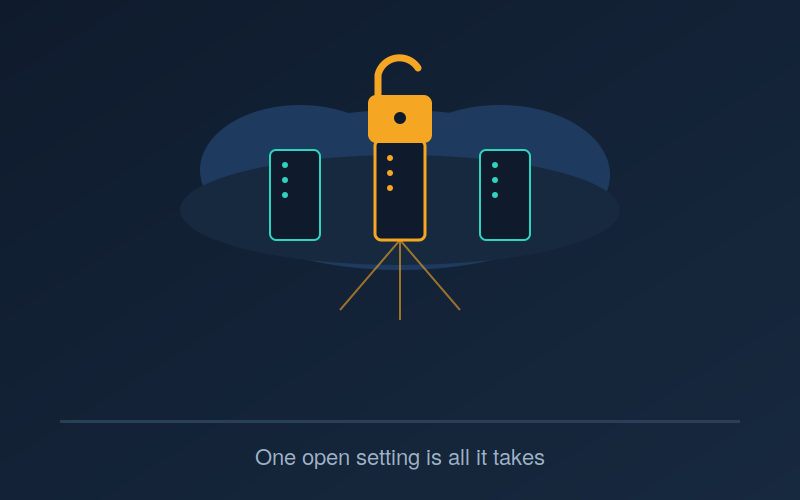
This is probably the well-known type. Services like Amazon S3, Azure Blob Storage and Google Cloud Storage are sometimes left open to anyone on the internet. This happens either by accident. Because someone didn’t understand how the default settings work. Sensitive data. Customer records, internal files, code. Has been found this way. Often it’s not discovered by the company itself. By researchers or reporters scanning the web.
2. Default credentials and settings
devices and software programs come with built-in usernames and passwords. For example “admin” and “password” are defaults. If you don’t change them after installation attackers can log in using a list of known login combinations. These lists are easy to find. In vendor manuals.
3. Permissive access controls
It’s common for teams to give broad permissions during development. They do this just to make things work fast. Those permissions often stay in place after the project ends. Much access means that if one account gets hacked the attacker can reach far more than they should.
4. Unpatched and unhardened systems
Leaving ports open running old software versions or failing to turn off unused services all count as misconfigurations. Each one makes the system more vulnerable. Attackers look for these spots to break in.
5. Improperly configured APIs
As companies offer features through APIs configuration errors become more frequent. Missing authentication, no rate limits and error messages that reveal much information can all help attackers sneak in.
A Real-World Example: The Capital One Breach
The 2019 Capital One breach is an example of how a single misconfiguration can cause a huge problem. A former AWS engineer used a custom tool to scan for secured AWS accounts. She found that one of Capital One’s web application firewalls had a flaw. Using a technique called server-side request forgery she accessed security credentials from AWS’s internal metadata service. Those credentials gave her access to hundreds of Capital One’s cloud storage buckets.
The actual attack lasted two days in March 2019 but it went unnoticed for months. Capital One didn’t know until July, when someone on GitHub posted about the stolen data. The person who reported it saw the attacker talking about the breach online. By then personal information of over 100 million U.S. Credit card applicants and 6 million in Canada had been taken. That included tens of thousands of Social Security numbers and bank account details.
Notably AWS was not compromised. The issue wasn’t with Amazon’s infrastructure. It was with how Capital One had set up its firewall. This case shows why misconfigurations matter. The cloud platform itself can be secure. If a customer makes one mistake the result can be catastrophic. It also reminds us that these flaws often stay hidden unless someone actively searches for them.
Why Misconfigurations Keep Happening
Complexity of infrastructure: Cloud environments have many connected services. Each one has its settings. Keeping track of everything across a system is hard. Almost impossible without automation.
Speed over security: Teams under pressure to release products quickly often skip security steps. Functionality comes first. Security becomes an afterthought.
Lack of visibility: Many companies don’t have a real-time view of all their assets and configurations. Without that spotting problems early is nearly impossible.
Shared responsibility confusion: In cloud systems both the provider and the user share security duties.. Some organizations assume the cloud provider handles everything. When they don’t the responsibility falls on them. They end up unprotected.
Part 2: Human Error
While misconfigurations are technical, human error is about people. People are and always will be, the weakest link in any security chain.
Common Forms of Human Error
1. Falling for phishing and social engineering
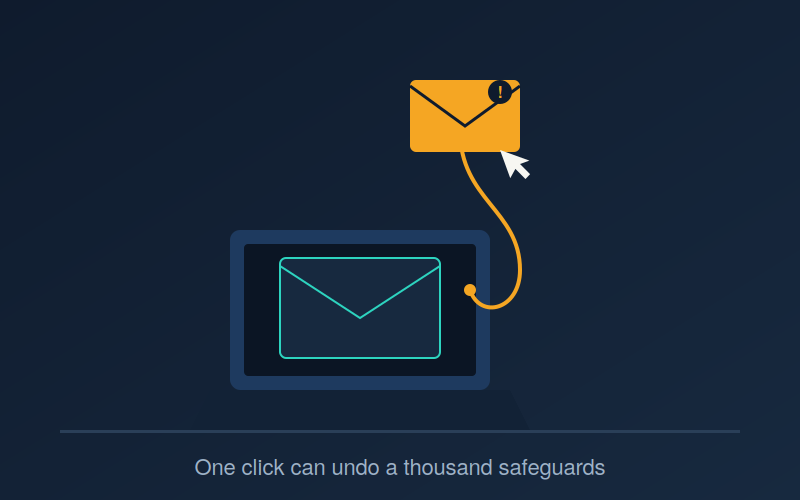
Phishing attacks still work well because they target people, not systems. A convincing email that looks like it came from a trusted source can trick careful employees into sharing passwords or downloading malware.
2. Weak or reused passwords
Employees often use the password for work and personal accounts. If one site is breached hackers can try those logins on corporate systems. This is called stuffing.
3. Accidental data exposure
Sending a file to the person setting sharing options incorrectly or attaching the wrong document in an email. These small mistakes can expose sensitive data. No hacker needed. Just a slip-up.
4. Lost or stolen devices
Laptops, phones and USB drives are. Stolen all the time. Without encryption and remote wipe capabilities the data inside is easily accessible.
5. Failure to follow security policies
Sometimes people know the rules. Ignore them. Turning off -factor authentication because it’s annoying. Using apps for work tasks. Skipping updates because they want to finish a job
6. Insufficient training and awareness
Many employees haven’t been taught how to spot an attack. Without hands-on training staff are unlikely to recognize sophisticated tricks.
Why Human Error Is So Persistent
People are the attack surface: Every employee with access to a system is an entry point. Organizations can’t control what individuals do.
Alert fatigue and complexity: Workers receive dozens of alerts and warnings every day. Over time they start ignoring them. That leads to clicks.
Culture: In some workplaces security is seen as a barrier to getting work done. Employees cut corners because they feel pressure to deliver fast.
Attackers evolve their tactics: Social engineering keeps changing. New techniques keep appearing that bypass training methods.
The Overlap: Where Misconfiguration and Human Error Meet
These two issues aren’t separate. They often go hand in hand. A misconfiguration is usually caused by a mistake. An engineer forgets to close a port. A developer puts a password in a public code repository. An IT admin sets permissions during a change. In these cases human error is the root cause. The misconfiguration is what attackers actually exploit.
This overlap matters. It changes how we think about the problem. Reducing breaches isn’t about buying better tools. It’s about designing systems and processes that make it harder for people to mess up.
How Organizations Can Reduce These Risks
Addressing Misconfigurations
-Automate configuration checks: Use cloud security posture management tools to scan for mistakes. Get alerts immediately when something is wrong.
-Adopt infrastructure as code (IaC): Define servers and settings in code. Use version control and peer reviews. This reduces errors.
-Apply the principle of privilege: Only give the minimum access needed. Regularly. Remove unnecessary rights.
-Conduct security audits and penetration testing: Find weaknesses before attackers do.
-Establish secure baseline templates: Create standard, secure setups for new deployments. Don’t rely on ad hoc choices.
Addressing Human Error
-Invest in security awareness training: Make it practical, frequent and based on real scenarios. Avoid one-time lectures.
-Implement -factor authentication (MFA) everywhere: This stops most attacks that rely on stolen passwords.
-Use password managers and enforce password policies: Help employees avoid bad habits. Stop relying on memory.
-Simulate phishing attacks: Run tests regularly. Let employees learn from mistakes.
-Build a security culture: Encourage reporting of errors. Make sure no one fears punishment. Mistakes caught early can prevent problems.
-Deploy data loss prevention (DLP) tools: Catch leaks. Like sending sensitive files outside the company. Before they happen.
Conclusion
Misconfigurations and human error are not topics. They rarely make headlines. Unlike ransomware attacks they don’t involve global chaos or dramatic media coverage.. They are by far the most common reasons, behind real data breaches.
The good news? Both are manageable. Unlike vulnerabilities that take time to fix, misconfigurations and human error can be reduced with better processes, smarter technology and a workplace where security is shared by everyone.
In the end the best defense isn’t a piece of software or a powerful firewall. It’s creating systems that tolerate mistakes and building a team that knows how to avoid them.
Worried your organization might be exposed to these same risks?
Misconfigurations and human error are preventable, but only if you know where to look.
Ambsan helps organizations identify security gaps before attackers do, from cloud configuration audits to employee security awareness programs.
Get in touch with our team to see how we can help strengthen your security posture.
Frequently Asked Questions
1. What percentage of data breaches are caused by misconfigurations and human error?
Numbers vary by report and methodology, but multiple industry studies over the years have consistently found that a large majority of breaches trace back to human-related or configuration issues rather than sophisticated technical exploits. Cloud misconfigurations in particular have become one of the most cited root causes as more organizations move infrastructure to the cloud.
2. What’s the difference between a misconfiguration and a vulnerability?
A vulnerability is typically a flaw in software code itself, something a vendor needs to patch. A misconfiguration is a mistake in how a system, service, or cloud resource is set up by the people deploying it. In other words, a vulnerability is a broken lock; a misconfiguration is a good lock left unlocked.
3. Can small businesses be affected by these same issues, or is this only a big-company problem?
Small businesses are just as exposed, if not more so, since they often have fewer dedicated security staff to catch misconfigurations or run regular phishing training. Attackers don’t discriminate by company size, they frequently scan the internet indiscriminately for exposed, misconfigured systems regardless of who owns them.
4. What’s the single most effective step an organization can take to reduce these risks?
There’s no one silver bullet, but enabling multi-factor authentication (MFA) across all accounts and deploying automated configuration-monitoring tools together address a large share of both human error and misconfiguration risk with relatively low effort and cost.
5. How often should security awareness training be conducted? Annual, one-time training sessions are generally not enough. Most security experts recommend short, frequent training touchpoints, such as monthly micro-lessons or quarterly phishing simulations, since ongoing reinforcement is far more effective at changing behavior than an occasional lecture.